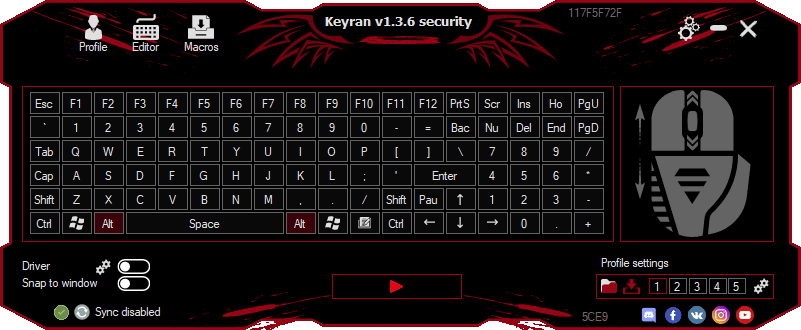
Keyran is a program available for Windows PCs that can help you create new macros or use pre-made free ones available within the application. Have you ever wished you could use a custom mouse and keyboard combination for a specific purpose? Maybe to automate small tasks? Well, Keyran will do exactly that for you.
Macros
Now, you may be wondering what a macro is, or you might already know. A macro is a series or combination of commands that can be triggered at any time to perform a specific action. In Keyran's case, a macro is any mouse and keyboard configuration used to automate gaming tasks.
While you might think this app is aimed solely at gamers, you will find it equally useful for creating combinations to automate almost any everyday action.How to create a macro in Keyran?
Before creating a macro, you'll need to figure out what combination you want to make.
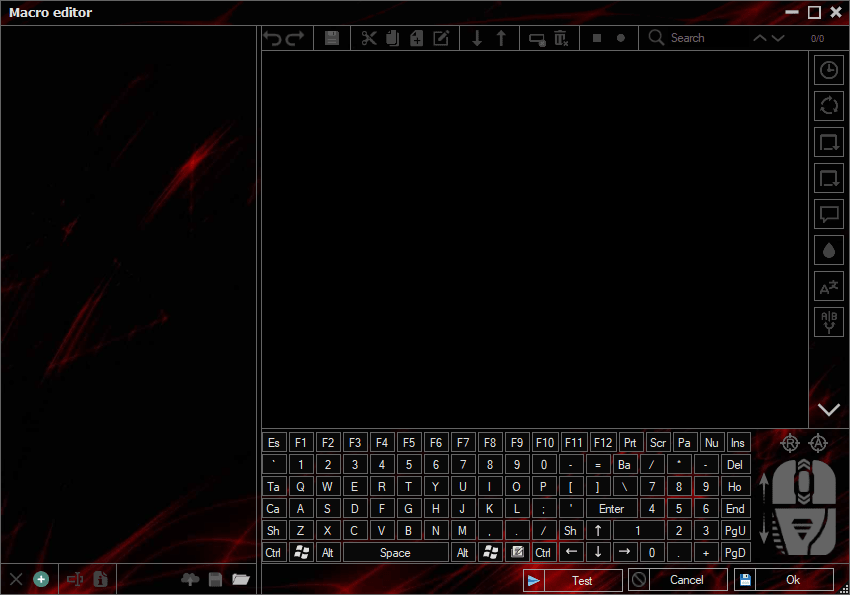
The editor is where you create new macros for specific tasks. Once in the editor, you will see a screen with a virtual keyboard and mouse. You can use your physical peripherals or the virtual ones on the screen to record a new combination, which you can then save as a macro.
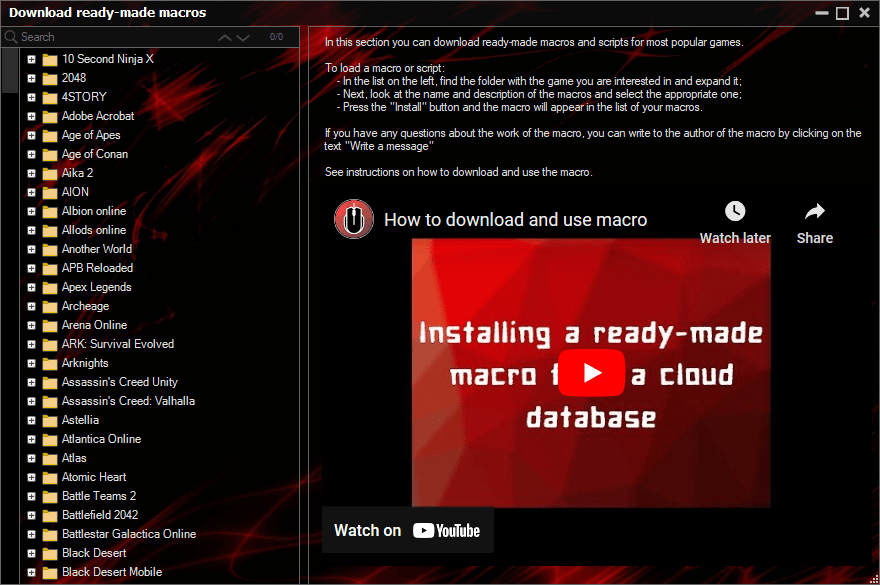
To view your saved macros or access others from the website, simply head to the macros tab.Sharing
One of the best features that Keyran offers is the option to share your macros with other users and vice versa. More than 16,000 user-made macros are already available on their website. If you want to create a specific macro, chances are it is already available. Of course, you'll need to sign up on their website to access them.Price
Keyran is available through multiple subscription packages, often with discounts. Pricing varies based on the subscription length, ongoing promotions, and your region.A solid tool for automating repetitive tasks
Keyran is a great application for creating macros to automate your daily tasks. While the interface is heavily gaming-oriented, it remains a useful tool for creating custom combinations or downloading pre-made ones from the website library. The premium version is also available for anyone who requires extra features.